
If you’re in the architecture, engineering, or construction (AEC) industry, you’ve probably heard of Navisworks. But what exactly is it, and why is it becoming essential for project management and Building Information Modeling (BIM). In this article, we’ll dive deep into Autodesk Navisworks, its key features, and how it can transform construction projects from planning to execution.
Navisworks is a powerful project review and coordination software developed by Autodesk. It is primarily used in the AEC industry to combine 3D models, detect clashes, and simulate construction projects before actual execution. With Navisworks, project managers, engineers, and architects can visualize projects in a unified environment, ensuring better collaboration and reducing costly errors.
- Clash Detection: Identify design conflicts between different systems (structural, mechanical, electrical, plumbing) before construction begins.
- 3D Model Coordination: Integrate multiple 3D models from different software like Revit, AutoCAD, SketchUp, and more.
- Construction Simulation (4D/5D BIM): Link models to time and cost schedules to simulate project timelines and budgets.
- Project Review: Improve collaboration among stakeholders by providing a single platform to review all project elements.
- Quantity Takeoffs: Extract precise material quantities directly from models to aid in cost estimation.
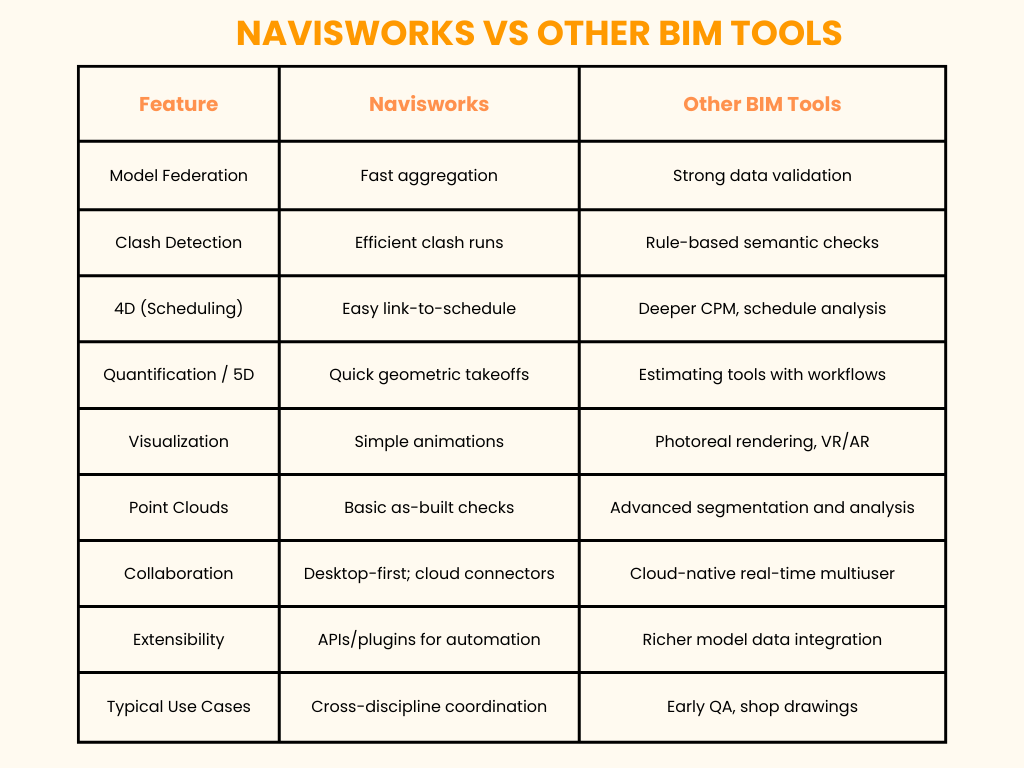
Navisworks is the coordination hub many project teams rely on to pull multiple discipline models together for clash detection, sequencing and review. Other BIM tools often specialise in validation, fabrication, estimating or cloud-native collaboration.
- Architects
- Structural, MEP, and Civil Engineers
- Project Managers
- Construction Professionals
- BIM Coordinators
Don’t let design clashes or miscommunication slow down your projects. Expert Autodesk Navisworks to streamline coordination, visualize your entire project, and stay on time and within budget.
Start today explore Navisworks and transform the way you plan, review, and execute construction projects.
Discover more of our innovative blogs
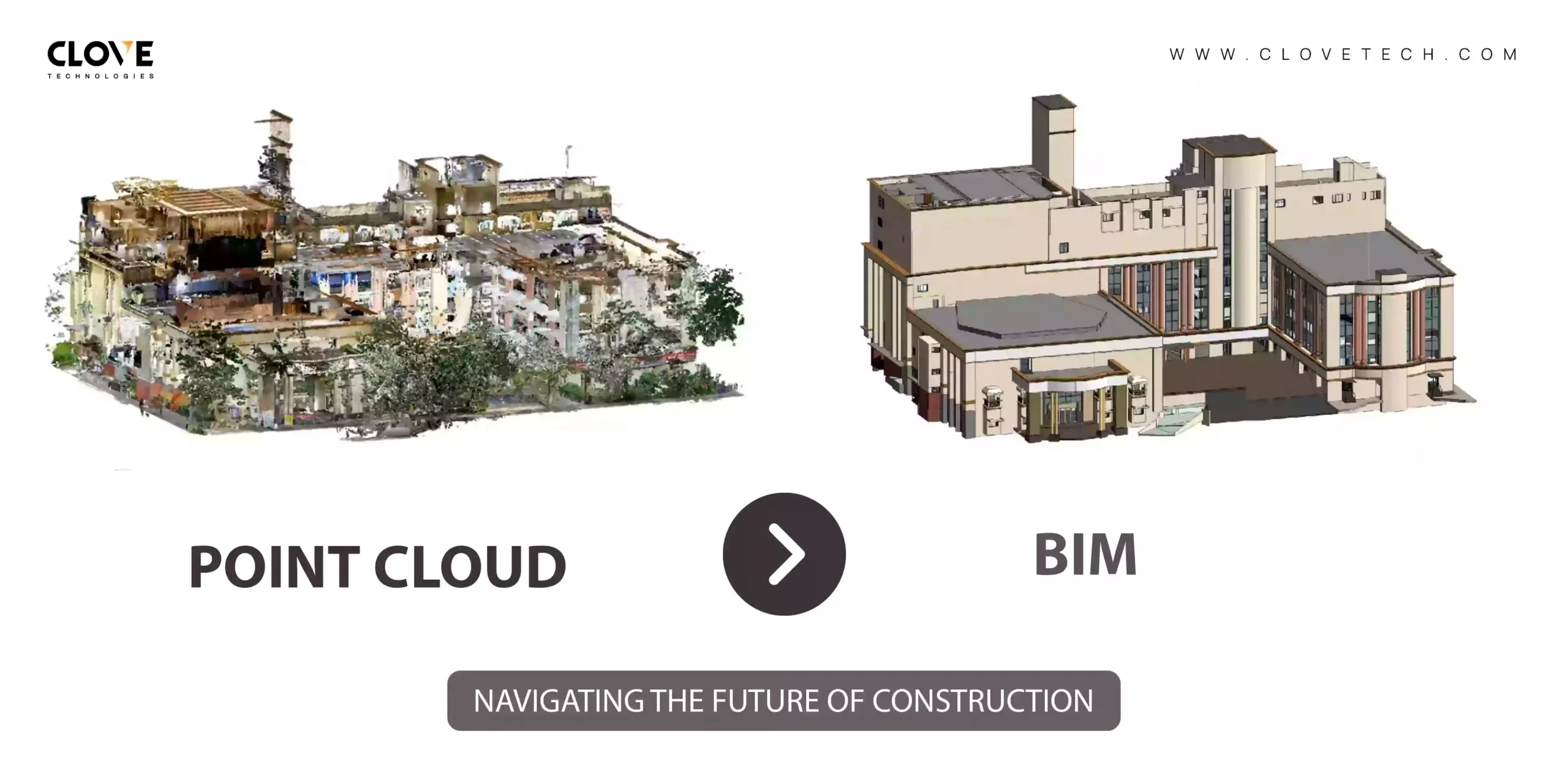
From Scan to Structure: Converting Point Clouds into BIM
Transforming AEC with NavVis: Clovetech Experience as Early Adopters

Top 5 Benefits of Electrical BIM Modeling

How MEP BIM Enhances the Design and Construction of High-Performance Buildings
Let's Talk
Let’s discuss your requirements and see how our expertise can help on your next project.