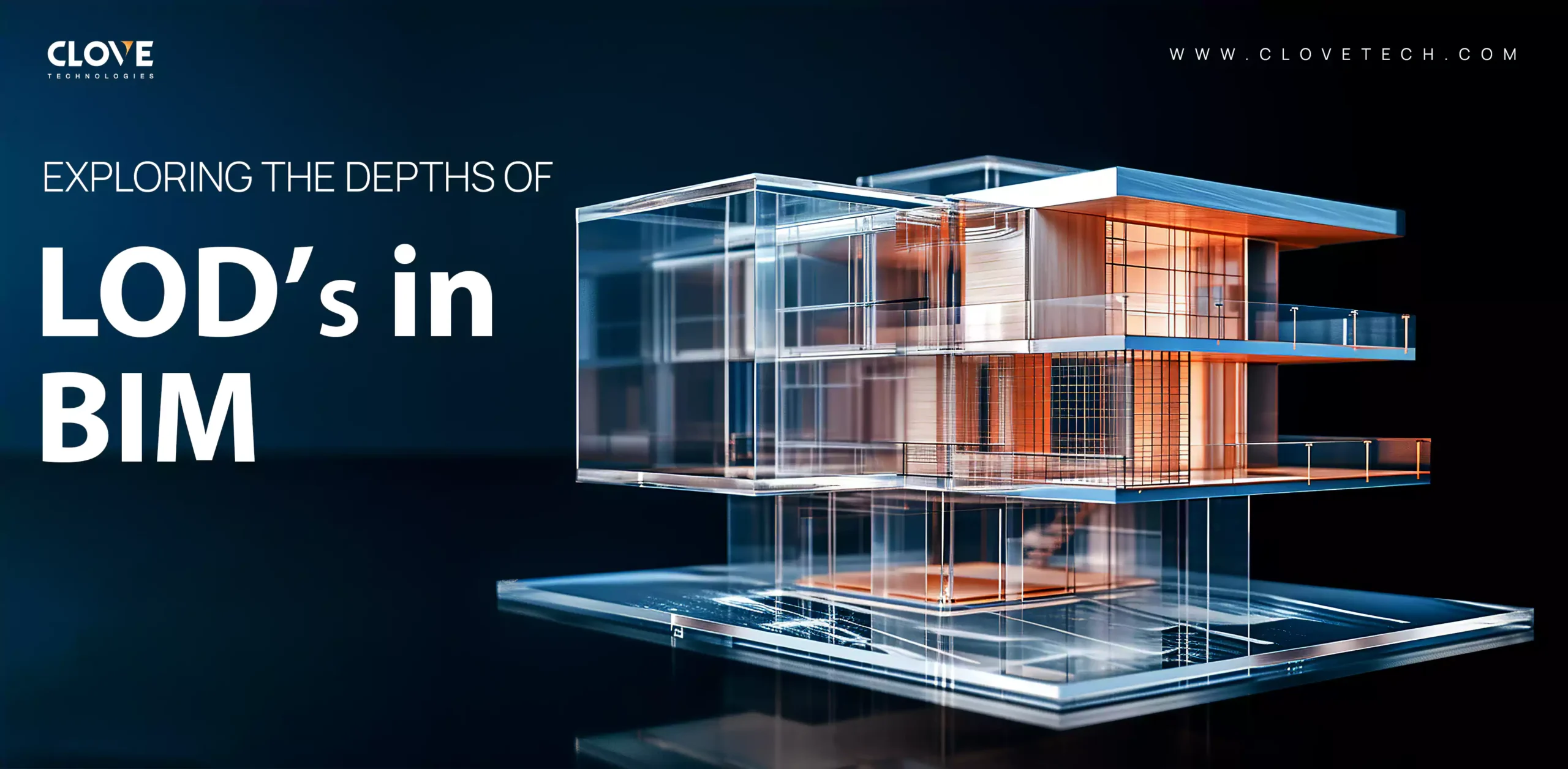
Levels of Detail (LOD) are essential in the field of Building Information Modeling (BIM) because they define the extent and level of detail of a digital model. As Scan to BIM procedures become more popular, incorporating real-world scans into BIM frameworks necessitates a thorough comprehension of LOD in order to guarantee the precise creation of models for a range of use cases.
A clear understanding of BIM LOD ensures consistency across project teams, minimizes misinterpretation of model data, and helps align deliverables with client expectations. This becomes especially important for complex projects involving renovation, retrofit, or facility management.
If you’re planning a BIM project, choosing the right Level of Detail (LOD) is critical for accuracy, cost control, and project success.
Using incorrect LOD levels can lead to:
- Over-modeling and unnecessary costs
- Missing details that cause construction errors
- Delays due to poor coordination
Selecting the right LOD in BIM modeling ensures your project stays efficient and aligned with its goals.
A BIM model’s level of accuracy and information is defined by LOD. It makes sure that the model is in line with its intended goal and lets stakeholders know what to expect at different points in a project. Each LOD stage represents a progression in both graphical detail and embedded data. Selecting the appropriate LOD prevents over-modeling or under-modeling, saving time, effort, and project costs. LOD consists of the following categories:
LOD 100 (Conceptual Design)
The conceptual design stage of a BIM model is known as LOD 100. It is the first phase of a project and is distinguished by simple mass and shapes that symbolize the overall dimensions and form of the finished structure.
LOD 100 models are typically used for site analysis, early design validation, and high-level decision-making. At this stage, models help stakeholders evaluate spatial relationships and project feasibility without investing in detailed modeling.
At this stage, the focus is on visualizing the concept quickly without over-investing in detail.
LOD 200 (Schematic Design)
At LOD 200, the model element represents a generic system, object, or assembly with approximate geometry, including size, shape, location, and orientation, and is graphically represented within the model. Any information derived from LOD 200 elements should be considered indicative rather than exact.
This level helps teams align design intent early and avoid costly changes in later stages.
LOD 300 (Design Development)
At the critical LOD 300 stage, the BIM model achieves a higher level of detail, incorporating precise dimensions, materials, and essential technical data. Industry professionals often refer to this level as “Revit LOD 300,” emphasizing the use of advanced BIM software to achieve this refinement. At this stage, detailed and coordinated documentation is developed, providing a reliable basis for construction planning.
This is where most projects start becoming construction-ready, reducing design conflicts and improving approval timelines.
LOD 350 (Construction Documentation)
LOD 350 advances the detailed design by incorporating construction-caliber quantities, specifications, and precise material and assembly information. At this level, the model includes the data necessary to accurately represent how building components are constructed and interconnected.
This stage helps prevent on-site conflicts that can delay projects and increase costs.
LOD 400 (Fabrication)
Level of Development 400, or LOD 400 is a 3D BIM modeling step that concentrates on building project fabrication and assembly. The comprehensive design from LOD 300 has been improved upon, and it has accurate details on every part, including the precise measurements of windows, doors, and structural components. There are numerous applications for LOD 400.
LOD 400 models are used directly by fabricators and contractors to manufacture components. These models include fabrication-level details such as connections, tolerances, and installation sequencing, ensuring precision during construction.
This ensures what is designed can be built accurately without guesswork on site.
LOD 500 (As-Built)
LOD 500 represents the as-built, post-construction phase of a BIM model. It captures the installed and operational building components, incorporating accurate geometry, equipment specifications, and maintenance information.
LOD 500 models function as a digital twin of the completed facility and are essential for facility management, space planning, renovations, and long-term asset management throughout the building’s lifecycle.
This stage provides long-term value by helping you manage, maintain, and optimize your building efficiently.
Many projects struggle with selecting and managing the right LOD levels:
- Choosing higher LOD than required increases costs
- Lower LOD can lead to missing critical details
- Lack of coordination between teams using different LOD levels
- Misalignment between design and construction requirements
These challenges can directly impact project timelines and budgets.
If you want to avoid costly errors and ensure the right level of detail, working with experienced BIM professionals makes a significant difference.
Our BIM modeling services with LOD 100 to LOD 500 include:
- Conceptual BIM models (LOD 100–200)
- Detailed design models (LOD 300–350)
- Construction-ready models (LOD 400)
- As-built BIM models (LOD 500)
We ensure each model is developed with the right level of detail based on your project stage, avoiding unnecessary complexity and cost.
The cost of BIM modeling services depends on the required Level of Detail:
- Lower LOD (100–200) → Lower cost, used for conceptual design
- Medium LOD (300–350) → Moderate cost for coordination and planning
- High LOD (400–500) → Higher cost for construction and as-built accuracy
Choosing the right LOD helps you optimize cost without compromising project quality.
We integrate point cloud data and Scan to BIM techniques to deliver detailed models for design, construction, and asset management.
By combining Scan to BIM with LOD-based modeling, Clove Technologies ensures high accuracy, reduced project risk, and better collaboration across all stakeholders.
Looking to implement LOD-based BIM modeling?
Our BIM experts can help you select and develop accurate models based on your project requirements.
Get in touch to discuss your BIM modeling needs.
1. Do I need BIM modeling services for all LOD levels?
Professional BIM services help ensure each LOD level is accurate and aligned with your project requirements.
2.What is the difference between LOD 300, 400, and 500?
LOD 300 is used for design coordination, LOD 400 for construction detailing, and LOD 500 represents as-built conditions.
3. Can using higher LOD increase project costs?
Yes, unnecessarily high LOD can increase modeling time and cost without adding value to your project.
4. How do I choose the right LOD for my BIM project?
The right LOD depends on your project stage. Early design uses LOD 100–200, while construction and as-built models require LOD 400–500.
Discover more of our innovative blogs

Top MEP BIM Services in the USA

What is Scan to BIM

How MEP BIM Enhances the Design and Construction of High-Performance Buildings
When Should You Use Scan to CAD Services for Existing Buildings?
Let's Talk
Let’s discuss your requirements and see how our expertise can help on your next project.